Facilities
Use Facilities if your gym rents out facilities or special areas. Examples: a badminton court, a futsal court, an exercise room, a ping-pong table, a billiard table, or a sauna.
Facility List
Section titled “Facility List”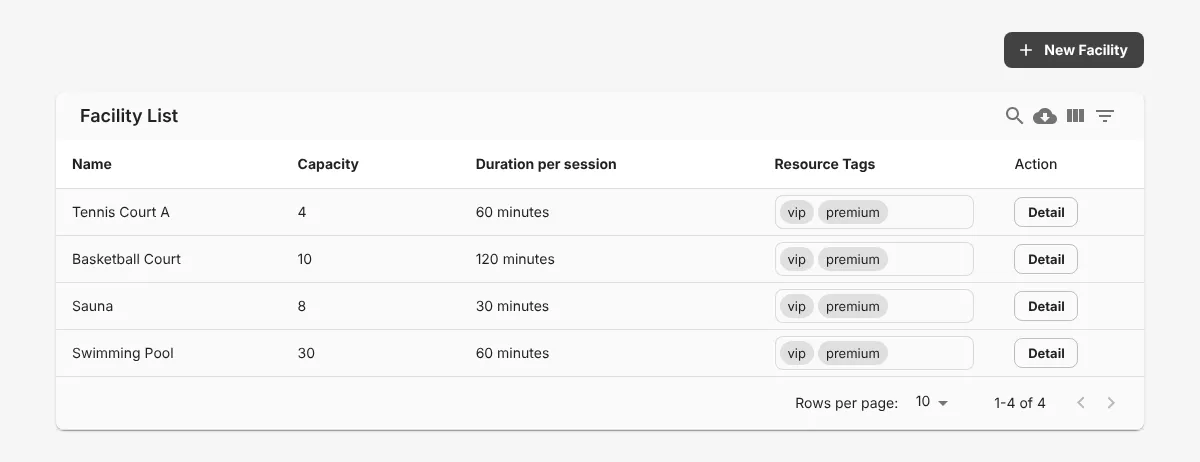
This table shows all the facilities you created.
Create a facility
Section titled “Create a facility”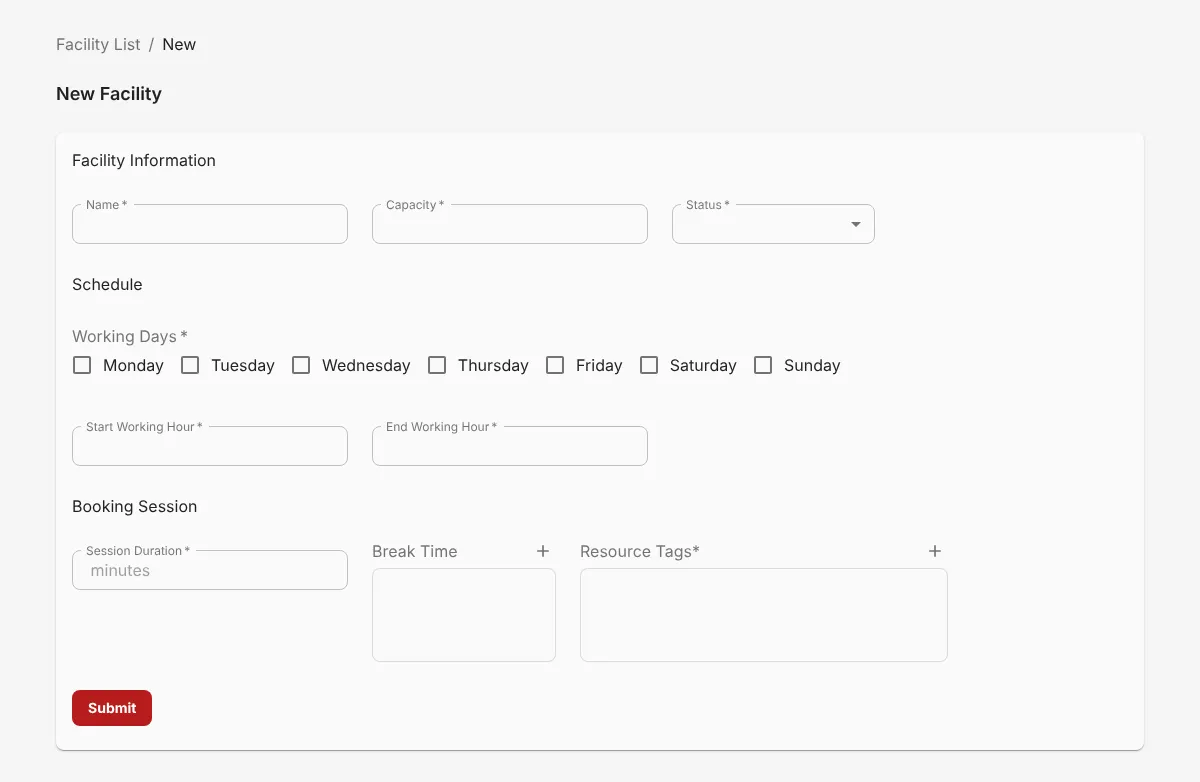
- Click New Facility.
- 1 Enter the Name, Capacity, and Status of the facility.
- 2 Select the working days.
- 3 Enter the Start Working Hour and End Working Hour.
- 4 Enter the booking data:
- Session Duration: the length of one booking session.
- Break Time: the facility’s break hours.
- Resource Tags: the labels that set which memberships can book this facility.
- 5 Click Submit.
The new facility shows in the Facility List.